
Magento Fulfillment: Connect Your Store to a Warehouse
Magento records order state; it doesn't pack your boxes. What the platform gives you is a status ledger — Pending, Processing, Complete — that tells you, your customer, and any warehouse you hire where an order stands. The part that's different from a hosted platform is this: Magento is open source, so the integration between that ledger and a warehouse is yours to build or buy. Moving the physical box is still somebody's job.
Most new Magento merchants build the store, How to Launch, and then hit the same wall: the integration is a project, not a setting. Here's how the status flow works, how to hand work off, and where the manual-versus-outsourced line actually sits.
The order status flow
Every order in Magento moves through a small set of states. An order starts Pending — payment not yet processed, still editable or cancelable. Once payment is received, it moves to Processing, where it can no longer be substantially edited (only the addresses). When the shipment detail is complete and the label and packing slip exist, the order moves to Complete. The shorthand to remember: orders become invoices, and invoices become shipments.
| Status | What it means | When it changes |
|---|---|---|
| Pending | No payment processed; editable and cancelable | Default on a new order |
| Processing | Payment received; not substantially editable | After payment is authorized or captured |
| Complete | Every item shipped | After the last item is marked shipped |
| On Hold | Fulfillment paused | Assigned manually |
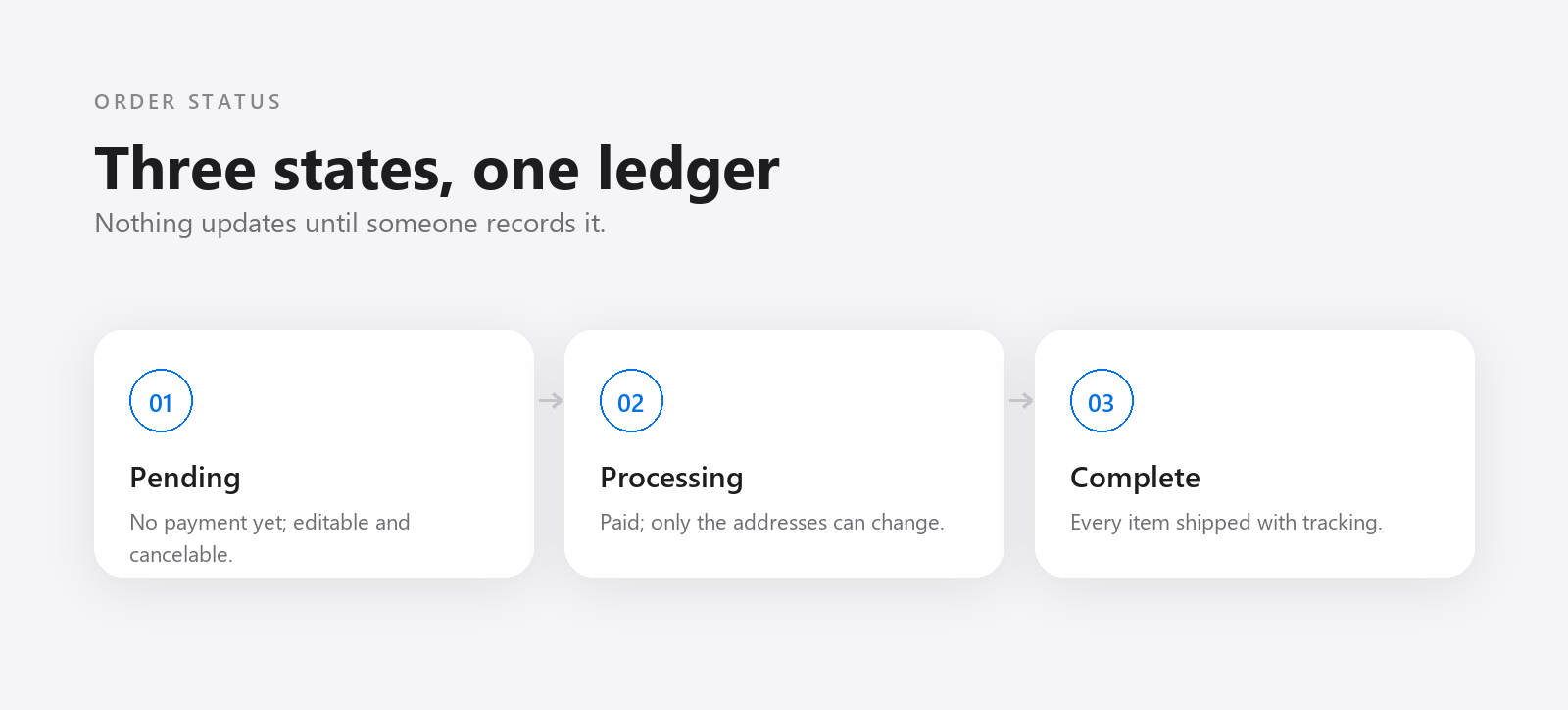
One trap worth memorizing: a partially refunded order stays in Processing until every item — including the refunded one — has shipped. It won't jump to Complete early. And nothing updates until someone records it: an order you forgot to mark shipped shows as Processing even after the box is on the truck.
Open source changes who owns the integration
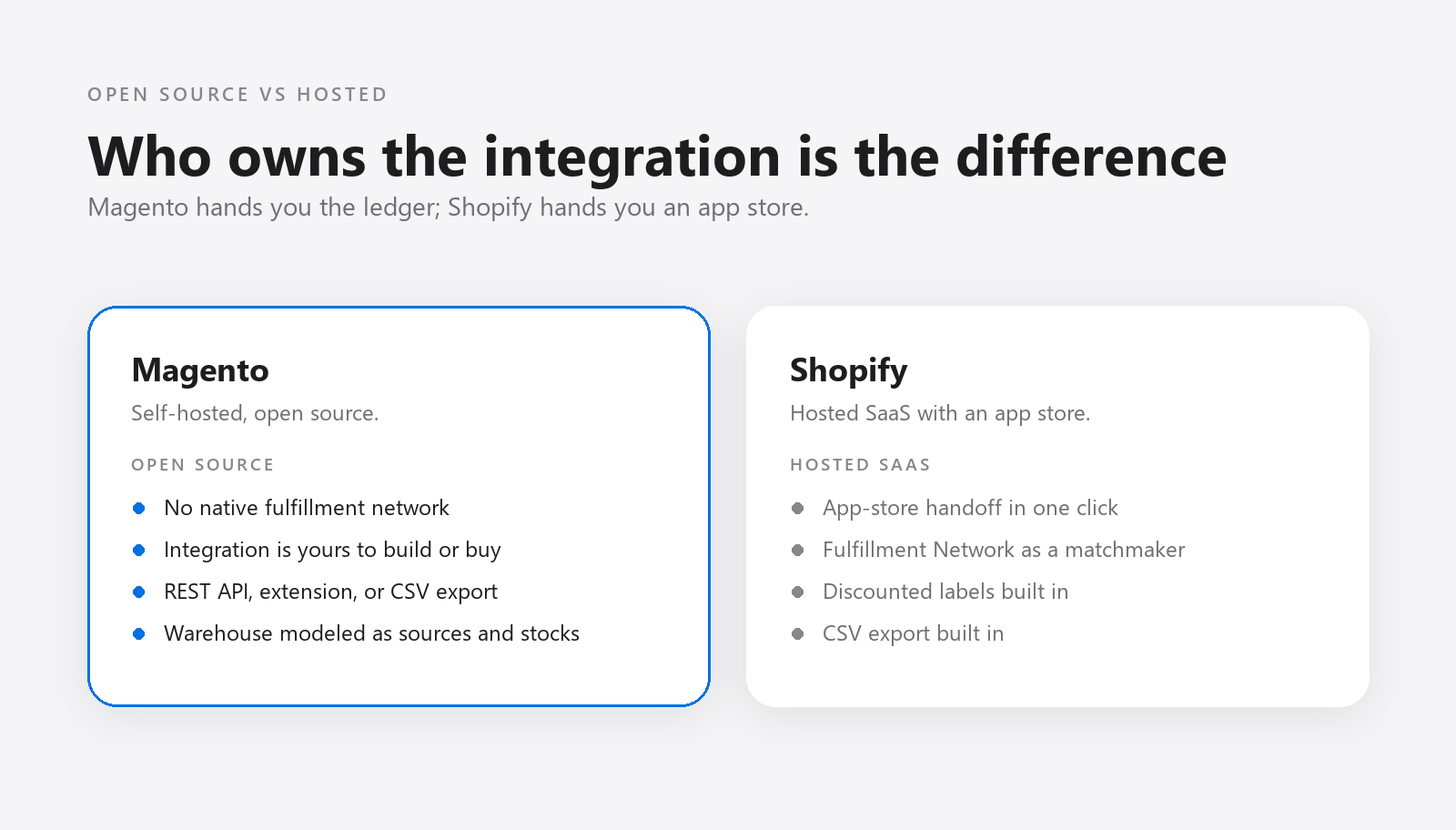
Magento comes in two editions, Magento Open Source and Adobe Commerce, and neither ships with a native fulfillment network. Hosted storefront platforms rarely do; Magento is the sharper case because there's no app-store handoff waiting to be flipped on. What you get is orders, invoices, and shipments — the ledger — not the pick-pack-ship assembly line behind it.
That means the code that connects your store to a 3PL or ERP belongs to you. Open source saves you the license fee; it doesn't save you the integration and maintenance labor. Plenty of merchants learn this the first time they go live with a warehouse.
Three ways to connect a warehouse
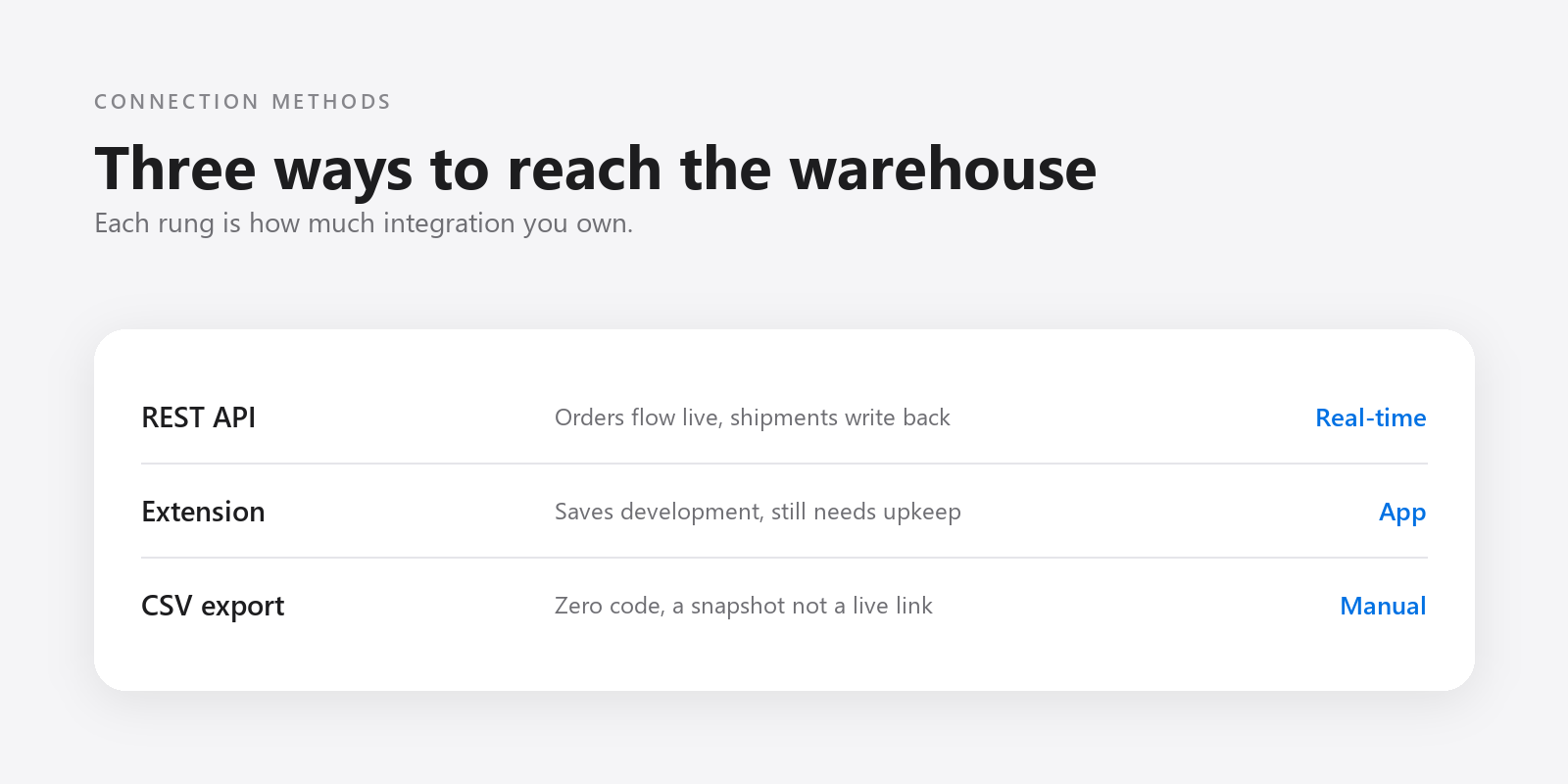
Magento connects to a warehouse in three ways, and they form a ladder of how much integration you want to own.
The first is the REST API, which is real-time but requires development. Orders flow out through endpoints like /V1/orders, and a warehouse writes shipments back through POST /V1/order/{id}/ship with the carrier code and tracking number. The second is a marketplace extension, which saves the development but leaves you maintaining a plugin across Magento upgrades. The third is a CSV export — zero code, but a snapshot, not a live connection. Once you've exported, an address edit or a cancellation won't reach the floor unless you send a corrected file. Every column you forget in a CSV handoff becomes a phone call.
Which Logistics Model your warehouse as sources and stocks
Since Magento 2.3, Inventory Management (originally Multi-Source Inventory) has shipped by default, and it turns on four terms you need to get right before you connect anything. Sources are physical locations — a warehouse, a store, a drop shipper. Stocks map a sales channel (a website) to one or more sources. Aggregate Salable Quantity is the total the storefront can sell across those sources. Reservations deduct from that salable quantity the moment a customer checks out, then clear when the order ships and the deduction lands on a specific source.
In warehouse terms: a source is a real building, a stock is the channel-to-building map, salable quantity is what the storefront shows, and a reservation is a hold that clears only on shipment.
Multi-warehouse and multi-channel inventory sync
Multiple warehouses and multiple channels both get modeled the same way: one source per warehouse, store, or marketplace. The hard part isn't the modeling — it's the sync. Because reservations hold until shipment, the quantity you see in the admin is not what's physically on the shelf. If shipments aren't written back promptly, reservations pile up and a product shows out of stock while units sit in the warehouse. That phantom stockout is the single most common Magento integration failure.
There's also a stocking decision underneath: holding inventory in a local warehouse means slow turnover and real carrying cost, while shipping direct keeps inventory low but pushes up the last mile — the final delivery leg to the customer. Most merchants run both and shift the ratio, rather than betting on one.
Agree on the status that triggers work
Before you connect, write down which status gets exported to the warehouse. Importing only Processing orders is the safe default — Pending and fraud-review orders should never reach the floor. Then settle the edge cases on paper: how does a hold or a cancellation reach the warehouse after import, and what's the cutoff after which an order can't be stopped? Does a backorder ship later as a second shipment or hold the whole order? Run a test batch of real orders covering each case before you switch live traffic.
Manual fulfillment still works at small volume
At small volume, manual is genuinely fine. You pick and pack the order yourself, mark it shipped in the admin, add the tracking number, and buy the label. The discipline that keeps a warehouse accurate applies to your own table too: a unique barcode, a quantity check, and a weight check catch the wrong item before it leaves. That's the same triple-check a warehouse uses to keep mis-shipments down — and an API-linked warehouse pushes the error rate under a fraction of a percent because the order never passes through human memory.
The manual-versus-outsourced line
The honest trigger is your labor, not a round order number. When packing is something you do between customer-service replies, manual is fine and the margin stays yours. When packing becomes the thing that keeps you from selling, the math flips. The cost structure makes it concrete: rent and equipment are fixed costs; boxes and piece-rate labor are variable. Outsourcing converts fixed into variable, and the rule of thumb that recurs in warehousing is a 10–20% saving on the shifted work once volume supports it. A useful middle step is hybrid — keep the launch product in-house and route only the SKUs that are crushing you.
Questions to ask before you connect
- Do you integrate through the REST API, a marketplace extension, or a CSV export?
- How do you write shipments and tracking numbers back to Magento, and how often?
- How do you handle a backorder — split it into a second shipment or hold the order?
- What's your order cutoff, and what happens to an order that's edited or canceled after import?
- What does a return do to the order's status on my side?
The first question decides whether you're buying a live connection or a manual data handoff, and it's the one most sellers skip.
The short version
Magento is the state ledger, not the muscle — and because it's open source, the integration is yours to build or buy. Learn the status flow — Pending, Processing, Complete — and remember nothing updates until someone records it. Model the warehouse as sources and stocks, treat the reservation write-back as the thing that prevents phantom stockouts, and connect through the API or an extension for live sync while using CSV as a temporary bridge. The line between manual and outsourced is your labor, not a magic order count.
If you're deciding whether to keep fulfillment in-house or hand it off, send us your monthly order count, SKU count, sales channels, and how much of your own time each order takes — we'll map the break-even and tell you which way it actually points before we discuss pricing.
References (Neutral Third-Party Sources)
Facts in this article were checked against Adobe's official Magento documentation. No fulfillment-provider pages are cited.
- Adobe Commerce — Order workflow and processing: the five-step order workflow from Pending through Processing to Complete, and the "orders become invoices, invoices become shipments" shorthand. https://experienceleague.adobe.com/en/docs/commerce-admin/stores-sales/order-management/orders/order-processing
- Adobe Commerce — Order status: the distinction between order states and order statuses, the predefined statuses, and how custom statuses like "packaging" or "backordered" are created. https://experienceleague.adobe.com/en/docs/commerce-admin/stores-sales/order-management/orders/order-status
- Adobe Commerce — Introduction to Inventory Management: sources, stocks, aggregate salable quantity, and reservations, installed by default with Magento Open Source and Adobe Commerce. https://experienceleague.adobe.com/en/docs/commerce-admin/inventory/introduction
- Adobe Commerce Developer — Inventory Management (REST): the REST API objects and terminology, including SourceItem and StockItem and how quantities sync with an ERP or PIM. https://developer.adobe.com/commerce/webapi/rest/inventory
- Adobe Commerce Developer — Order processing tutorial: the REST API lifecycle for creating orders, invoices, and shipments, the basis for a 3PL or ERP write-back. https://developer.adobe.com/commerce/webapi/rest/tutorials/orders/