
Shopify Fulfillment: Handle Orders After Launch (Small-Batch Guide)
Shopify doesn't pack your boxes — it records their state. What the platform actually gives you is an order-status ledger: it tells you, your customer, and any warehouse you hire whether an order is unfulfilled, partially fulfilled, or done. Moving the physical box is still somebody's job, and deciding whose job it is — yours or a 3PL's — is the real fulfillment decision.
This matters because most new sellers set up a Shopify store, launch, and then realize the orders coming in are no longer a side task. Here's how the state machine works, how to hand work off when you're ready, and where the manual-versus-outsourced line actually sits.
The order status flow
Every order in Shopify moves through a small set of states, and the one you'll spend your days watching is the fulfillment status. An order starts unfulfilled. Once every line item has been picked, packed, and shipped, it's fulfilled. If you split a single order across two shipments, it sits in partially fulfilled until the last piece leaves. You can also place an order on hold, which stops it from being fulfilled while you sort out a payment or a customer question.
| Status | What it means | When it changes |
|---|---|---|
| Unfulfilled | Nothing has shipped yet | Default on a new order |
| Partially fulfilled | Some line items shipped, some not | After the first partial shipment |
| Fulfilled | Every item shipped with tracking | After the last item is marked shipped |
| On hold | Fulfillment paused | Set manually or by an app |
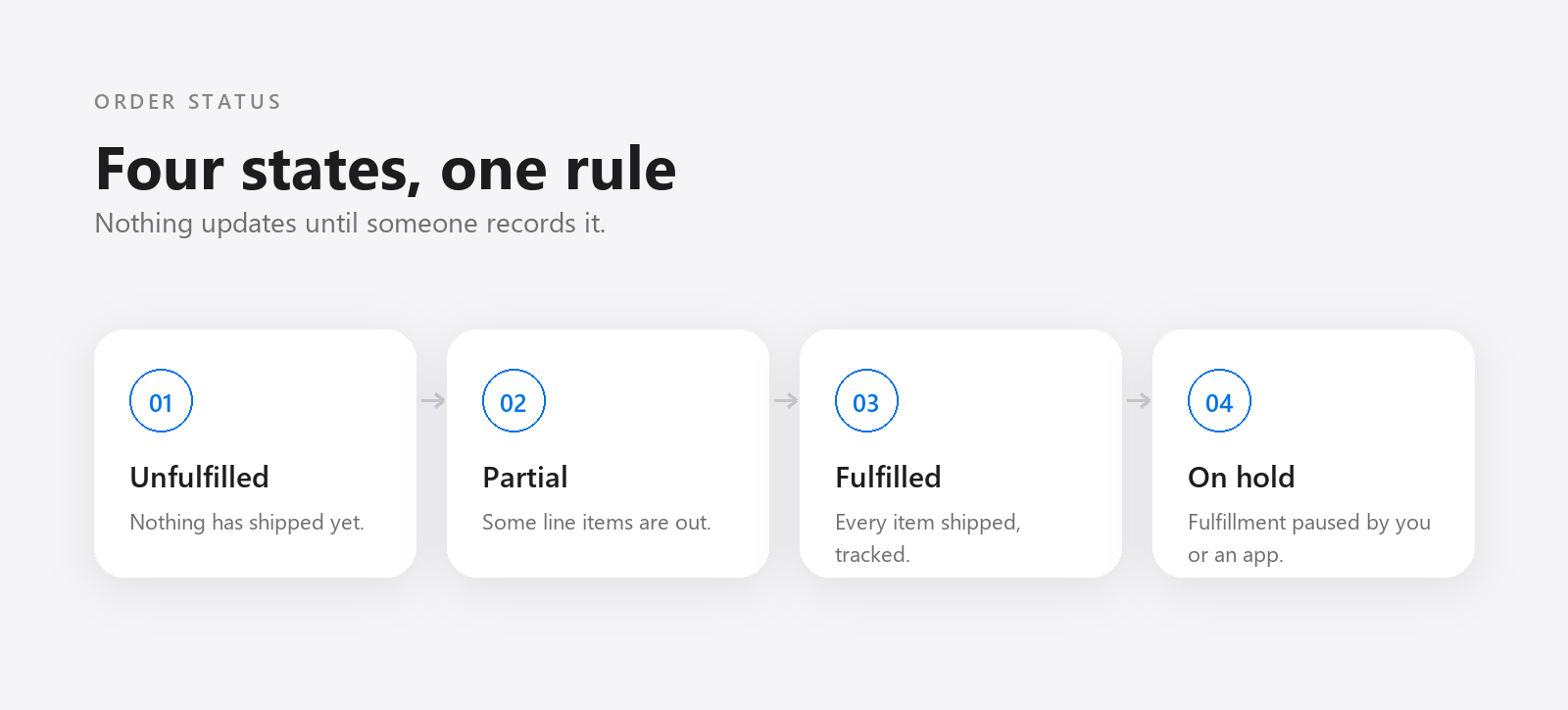
The key habit is this: fulfillment status only changes when someone records it. Nothing about a parcel automatically updates until you or your app marks the item fulfilled and adds a tracking number. Until then, Shopify will keep showing the order as unfulfilled even if the box is already on a truck.
Manual fulfillment for small batches
At small volume, manual is genuinely fine. You pick and pack the order yourself, buy a shipping label inside the Shopify admin, print it, and hand the parcel to the carrier. The label rates are discounted through Shopify-supported carriers, which means you don't need a separate shipping account on day one.
The workflow scales further than people expect. Shopify lets you fulfill orders individually, in bulk, or in batches that pick, pack, and print documents across many orders at once. The real ceiling isn't the software — it's your own throughput. Once a paid worker on piece rate would out-pack you three to one, the manual route has quietly stopped being the cheap one.
Connecting a 3PL when you outgrow the kitchen table
Shopify connects to a 3PL in three ways, and they're a ladder of how much setup you want to own.
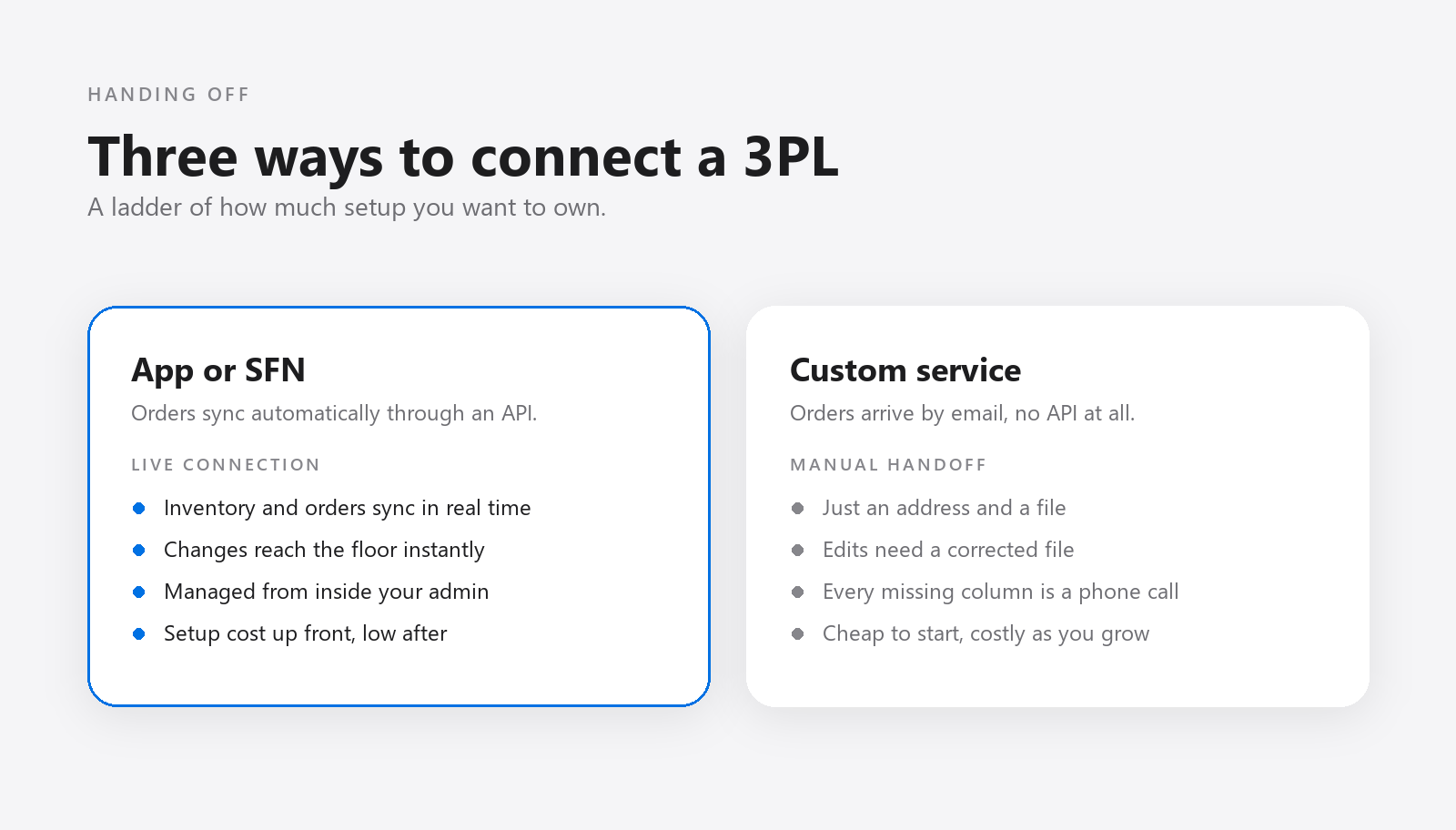
The easiest is an app from the Shopify App Store that links your store to a fulfillment provider, syncing orders and inventory automatically through an API. The second is Shopify's own Fulfillment Network, which pairs you with a vetted 3PL and lets you manage the relationship from inside the admin. The third is a custom fulfillment service, which receives your orders by email — no API at all, just an address and a file. The email route works, but it's a handoff where every column you forget to include becomes a phone call.
The CSV export path
When you're between systems — or when a 3PL doesn't have a live integration — the CSV export is the bridge. Shopify exports your orders as a spreadsheet with a long list of fields, including the fulfillment status and the line-item fulfillment status for every order.
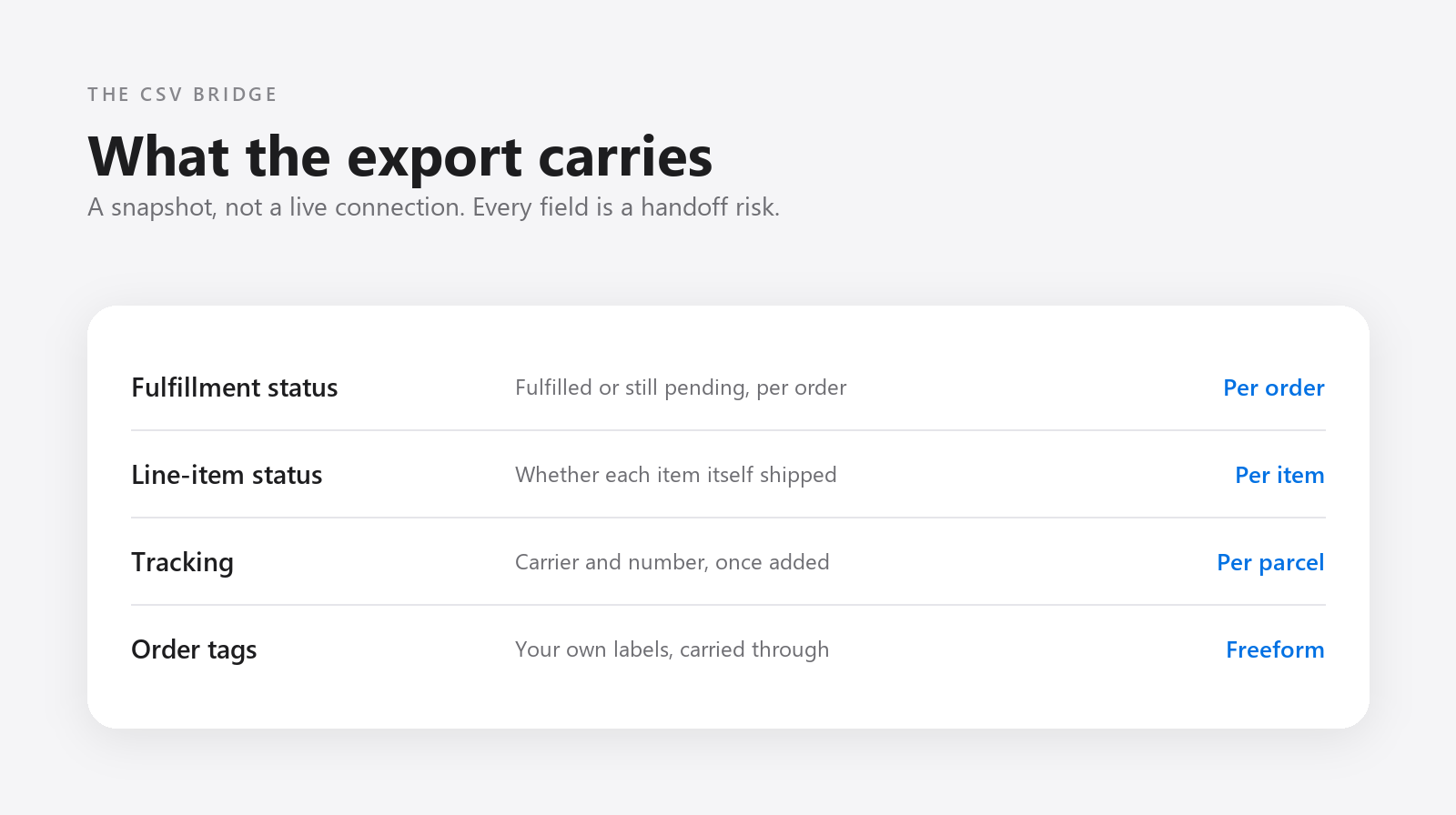
The export is more flexible than it looks: up to 50 orders or the current page downloads immediately, and larger exports arrive by email, split by date range. But a CSV is a snapshot, not a live connection. If you're emailing a file to a warehouse every afternoon, anything that changes after the export — an address edit, a cancellation — won't reach the floor unless you send a corrected file. That's the exact gap an API closes.
Order tags are your glue
When the platform can't express something natively, tags carry it. Shopify lets you attach tags to orders — short labels using letters, numbers, and hyphens, capped at 55 characters — and then filter the Orders list by them. Used deliberately, they become your fulfillment workflow: tag an order fragile, gift-note, backorder, or packed, and filter to a clean list instead of scanning every row.
The trap is that tags are freeform, which means they drift. Two people will spell the same concept two ways, and a mistyped tag is invisible until it fails a filter. If you use tags for fulfillment, write the list down first and keep it short — half a dozen tags beats forty.
Shopify Fulfillment Network: what it is and isn't
Shopify Fulfillment Network is best understood as a matchmaking layer, not a warehouse. You install it as an app, pick a 3PL partner, and then monitor inventory transfers, track fulfillment, and manage the relationship without leaving your admin. The 3PL still owns the floor and does the picking, packing, and shipping — Shopify provides the connection and the visibility.
That's the boundary to keep in mind. SFN is the right fit when you want to Gifts That Scale without running a warehouse or need inventory distributed across regions, and you'd rather pick from a short list of vetted partners than run your own vendor search. It's not a fit when you want to negotiate your own 3PL directly, or when your product needs handling the standard network doesn't cover. Treat it as one good option among several, not the default.
The manual-versus-outsourced line
The honest trigger is your labor, not a round order number. When packing is something you do between customer-service replies, manual is fine and the margin you keep is yours. When packing becomes the thing that keeps you from selling, the math flips fast: a warehouse worker on piece rate — paid by the parcel rather than the hour — will out-pack you by a wide margin, and the warehouse's barcode-scan and weight-check checkpoints hold your mis-shipment rate down while they're at it.
A useful middle step is hybrid: keep the launch product in-house and route only the items that are crushing you to a 3PL. You don't have to move everything at once, and moving the highest-volume SKUs first is usually where the time comes back.
Questions to ask a fulfillment partner
- Do you integrate with Shopify through an app and API, or do you work from a CSV export?
- What's your order cutoff time, and when does a same-day order actually leave?
- What's your mis-shipment rate, and do you scan at picking and weigh at packing?
- How do you handle a Shopify order that's edited or canceled after the export?
- What does a return do to the order's status on my side?
The first question decides whether you're buying a connection or a manual data handoff, and it's the one most sellers skip.
The short version
Shopify is the state ledger, not the muscle. Learn the status flow — unfulfilled, partially fulfilled, fulfilled, on hold — and remember nothing updates until someone records it. Start manual and buy labels in the admin, hand work to a 3PL through an app or the Fulfillment Network when your own throughput becomes the bottleneck, and use tags plus a clean CSV export to keep the data handoffs from drifting. The line between manual and outsourced is your labor, not a magic order count.
If you're deciding whether to keep packing in-house or hand it off, send us your monthly order count, SKU count, and how much of your own time each order takes — we'll map the break-even and tell you which way it actually points before we discuss pricing.
References (Neutral Third-Party Sources)
Facts in this article were checked against Shopify's official documentation and public standards. No fulfillment-provider pages are cited.
- Shopify Help Center — Order management and fulfillment: the order processing workflow, capturing payment, and the paths to fulfill orders yourself or through a service. https://help.shopify.com/en/manual/orders/orders
- Shopify Help Center — Fulfilling orders: manual, bulk, and batch fulfillment, plus buying and printing shipping labels at discounted rates. https://help.shopify.com/en/manual/orders/fulfillment
- Shopify Help Center — Fulfillment Network: how SFN connects a merchant to a 3PL partner and what you manage from the admin. https://help.shopify.com/en/manual/fulfillment/shopify-fulfillment-network
- Shopify Help Center — Exporting orders: the CSV export workflow and the fields it carries, including fulfillment status and line-item fulfillment status. https://help.shopify.com/en/manual/orders/export-orders
- Shopify Help Center — Creating and using tags in Shopify: how order tags are structured, their character limits, and how to filter by them. https://help.shopify.com/en/manual/shopify-admin/productivity-tools/using-tags